

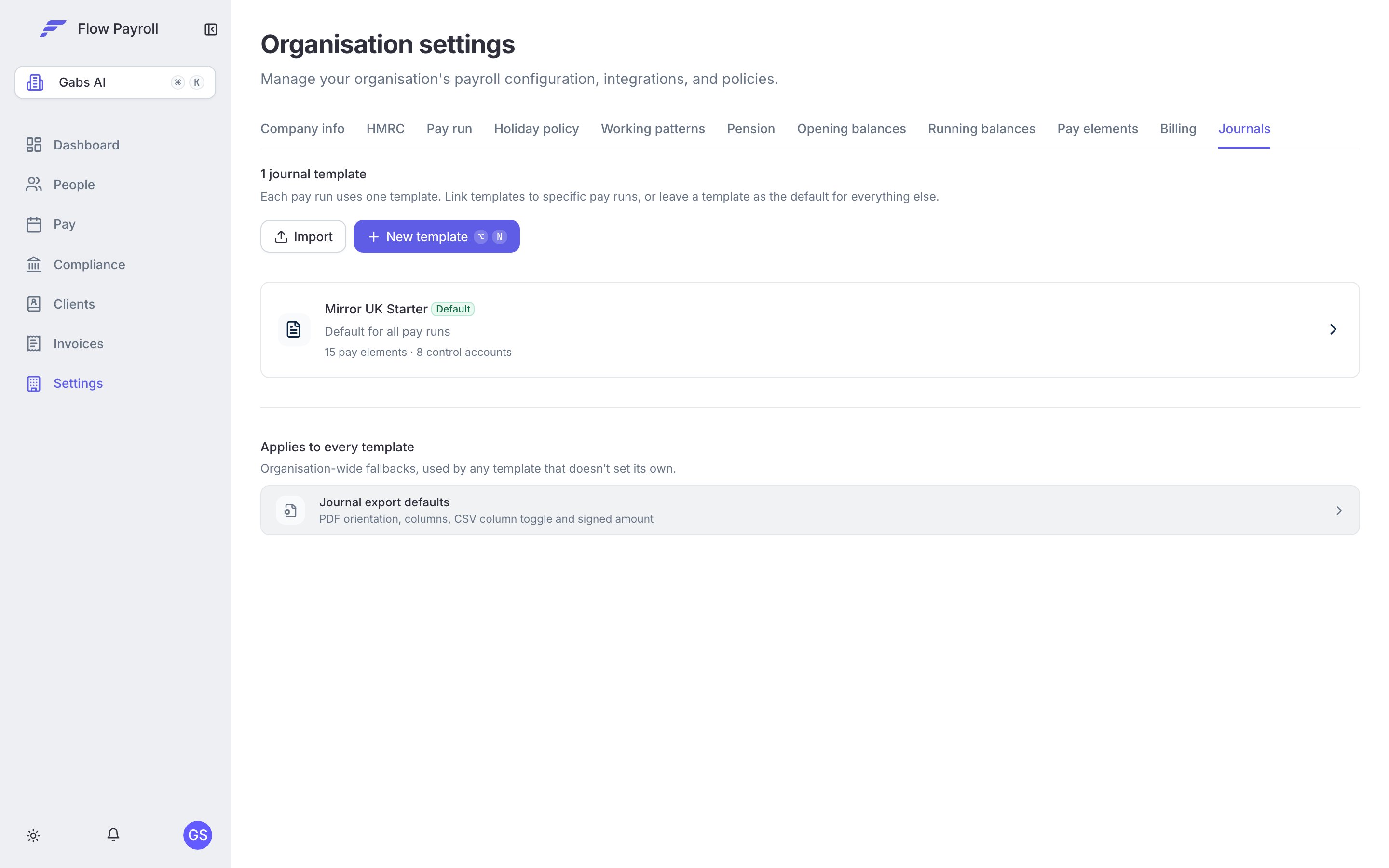
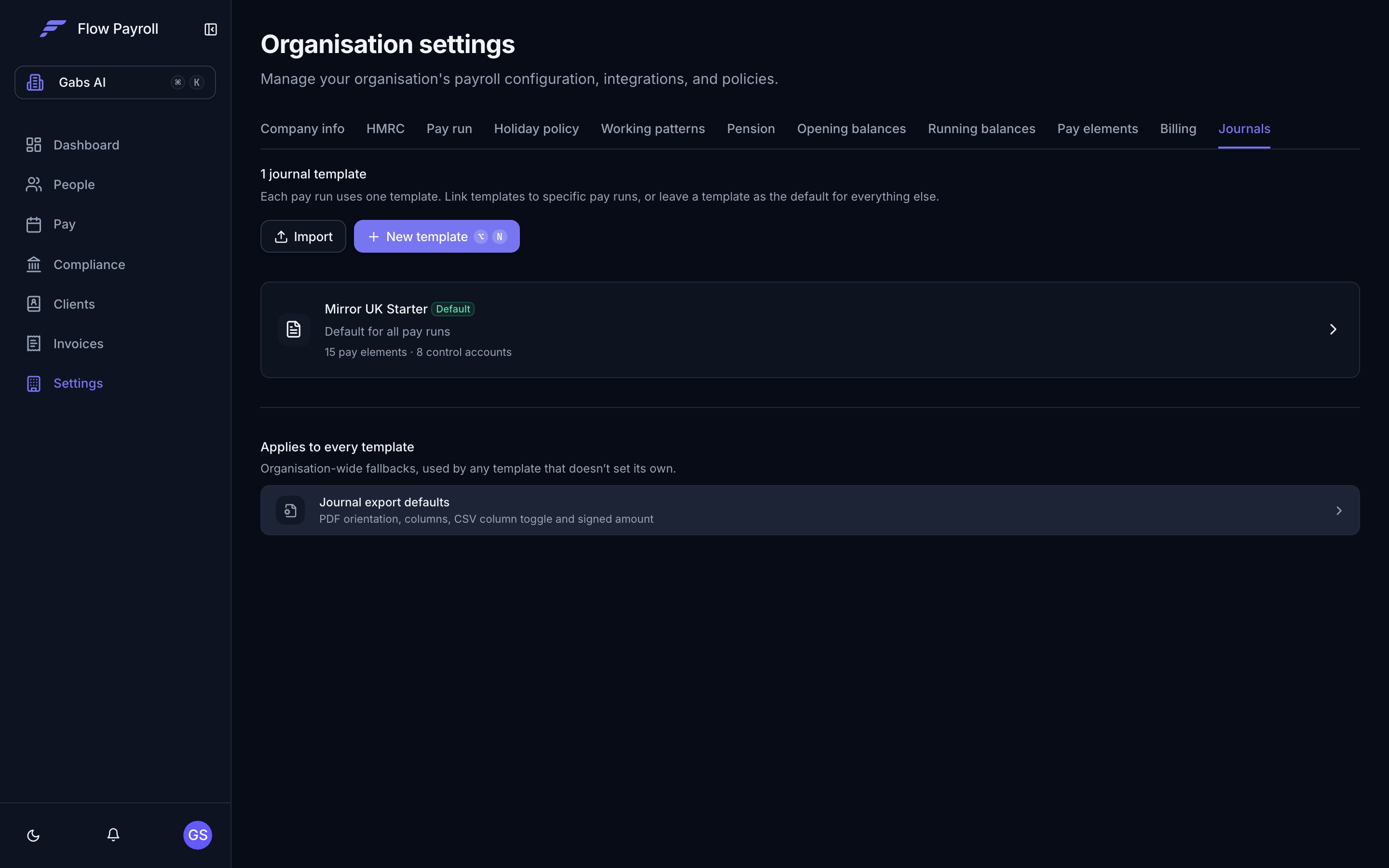
Journals tab in Workspace Settings — manage templates and export defaults.
What it does
Payroll Journals automatically generates a complete double-entry journal every time a pay run is processed. It covers:- Gross wages and every pay element, mapped to the nominal codes in your chart of accounts
- All statutory deductions — PAYE, employee NI, employer NI, pension contributions, student loans, and more
- Employer on-costs, including employer NI and pension, apportioned precisely across departments by each employee’s actual gross pay
- Control accounts for net pay, HMRC liabilities, and pension payables
- Cost splits by department, cost centre, or any custom tag group you use in Flow
How it works
The journal is generated in the background as soon as payslips are calculated. By the time you’re reviewing your pay run, the journal already exists as a provisional view. When the pay run is locked, the journal locks with it — automatically.There is no separate finalise step. Locking the pay run and locking the journal happen together.
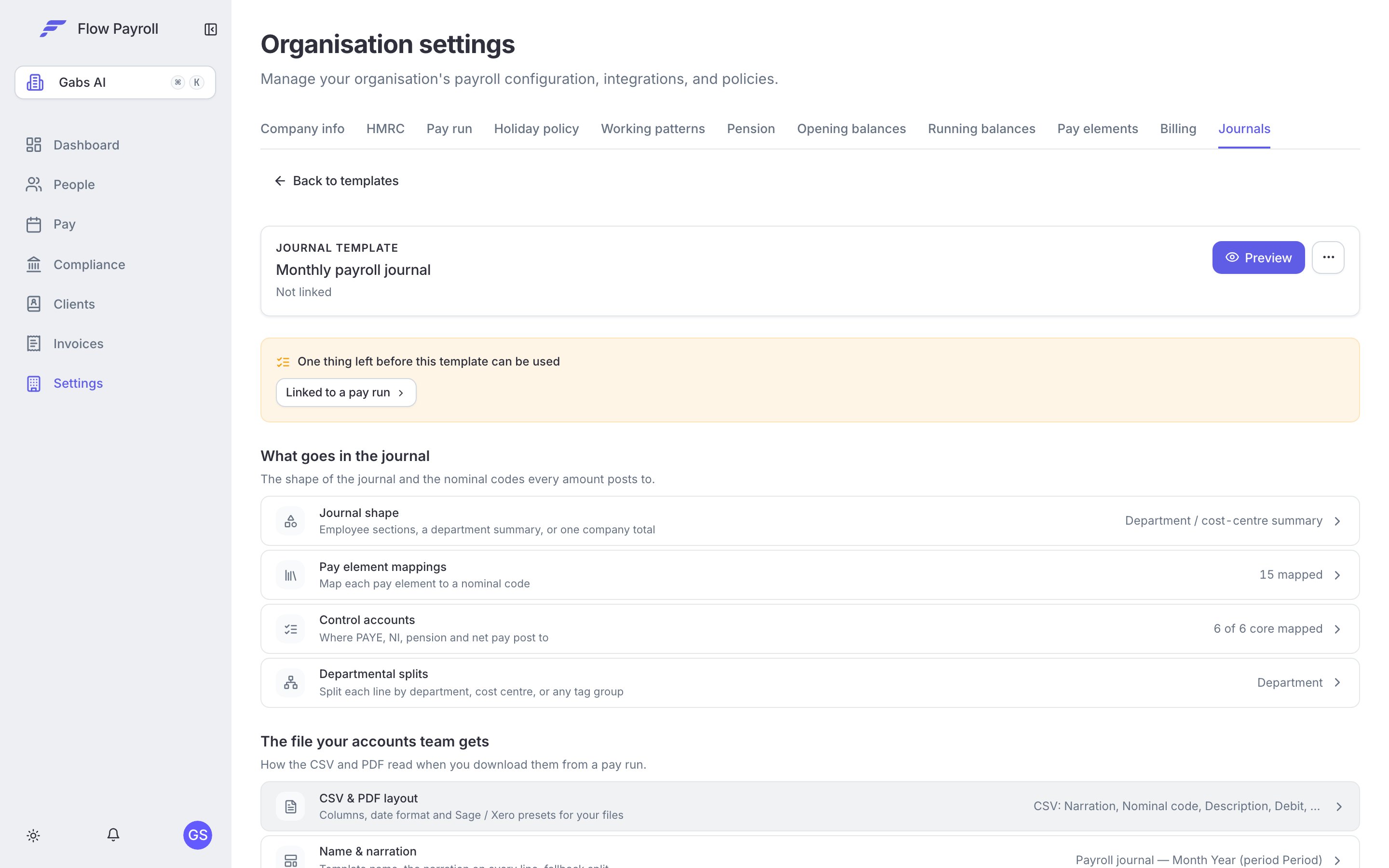
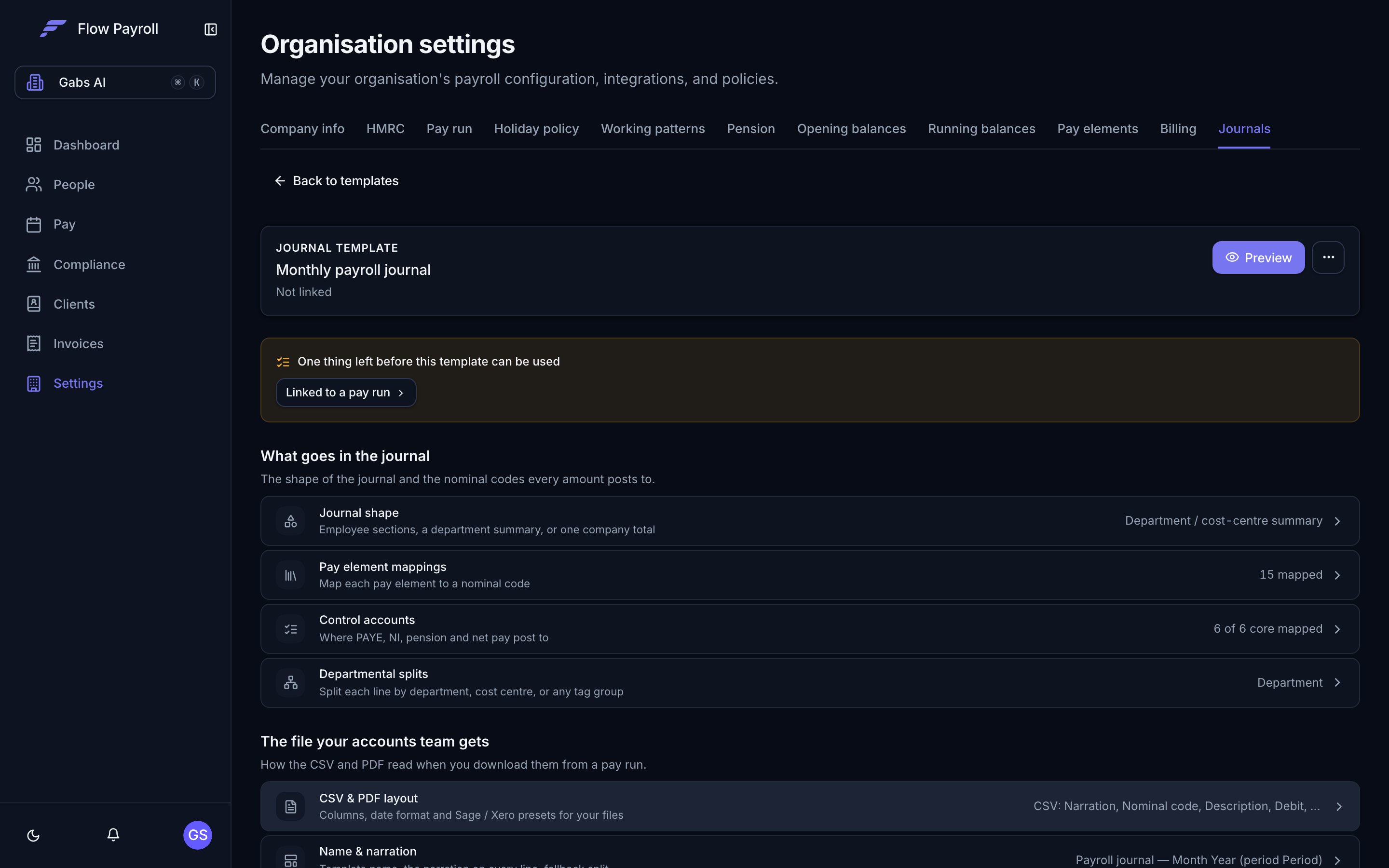
A journal template showing all configurable sections.
Journal templates
You set up a journal template once, in Workspace Settings. The template defines:- Which nominal codes each pay element maps to
- Which accounts handle PAYE, NI, pension, net pay, and other statutory liabilities
- Whether costs should be split by department, cost centre, NI category, director status, or any other dimension
- Which pay runs this template applies to (or leave it as the default for all runs)
Importing mappings from another system
If you already have journal mappings in a previous system — Sage, Xero, Staffology, IRIS, or another — you don’t need to rebuild them by hand. In Settings → Journals, click Import to create a template from a file, or open an existing template and choose Import mappings to add to it. The importer accepts two kinds of file:- A journal export from your previous system (CSV or Excel). Flow recognises the format, and you map the columns in the shared import wizard — see importing data from CSV. Flow derives your nominal code mappings, control accounts, and split dimensions from the journal lines.
- A Flow template export (
.json) — when importing a template exported from another Flow company, the file is copied as-is, mappings and splits included, with no column mapping needed.
Template (
journal_template_import.csv — identical to the wizard’s Download template):
Split columns in your file
When a template splits costs, the recommended One column per split level option gives each split level its own column in the CSV — headed by the level’s own name. If your levels are called “Region” and “Job title”, those are the column headings your accounts team sees. Two fixed columns — Department and Cost Centre — exist for accounting software that expects those exact headings. They only fill when a split level is actually named that way (“Department”, “Dept”, “Division” and similar; “Cost Centre”, “Cost Code”, “CC”). With any other level naming they export blank, so use One column per split level unless your import format demands the fixed headings. While you choose columns, Flow previews your file’s header row and warns you if a column you have ticked would export blank with your level names.Reconciliation guarantee
Every journal is checked for balance before it locks. If debits don’t equal credits, Flow shows you exactly which nominal codes are out of balance and prevents the pay run from locking until it’s resolved.You cannot produce an unbalanced journal.
Sending it straight to your accounting system
If the employer’s accounting system is connected, a journal template can post to it directly and you can skip the file entirely. The journal goes across as a draft for somebody to approve in the ledger, and a journal that does not balance is refused before anything leaves. See connecting your accounting system. Re-issuing a pay run’s journal sends the replacement and voids the one it supersedes, so a pay run leaves one entry rather than two.Export formats
Prefer a file, or use a system we do not connect to yet? Once the pay run is locked, export your journal in the format your accounting system needs:Xero Manual Journal CSV
Ready to import directly into Xero, with tracking categories mapped.
Generic CSV
Configurable columns, signed amounts, and a totals row — suitable for any system.
A clean, printable record for your files.